
Home Network Installation in Frisco, TX: Whole-Home Wi-Fi, Ethernet & Smart Home Connectivity Experts

At Frisco Smart Home Haven, we design and install home networks and whole-home Wi-Fi systems for homeowners in Frisco, TX. We build each network around the home’s layout, construction, existing wiring and connected devices to improve coverage and support dependable everyday connectivity throughout the property. Slow Wi-Fi in a back bedroom, dropped video calls and security cameras that lag at the wrong moment often indicate that the network was not designed for how the home is actually used.


Streaming, online gaming, and a home office each place different demands on your network, and a mesh Wi-Fi setup or added wireless access points often solves coverage gaps that a standard router cannot. For homes that need consistent speed and lower interference, we pair wired Ethernet and structured cabling with your wireless setup to keep bandwidth-heavy tasks running smoothly.


Security cameras and smart-home devices depend on a stable connection to function the way they are supposed to. Our team handles network optimization and smart-home network integration so your cameras, thermostats, and connected devices work together without competing for signal. We offer consultations for homeowners across Frisco, TX who want a network built for how they actually live.

Get a Quote

Contact Us

Residential Connectivity Options

Every Frisco home has different layout challenges, device demands, and construction materials, so we build each network around the specific coverage, speed, and reliability needs of the household. Below are the core components we use to deliver dependable connectivity for streaming, gaming, home offices, and connected smart-home devices.

Whole-Home Wi-Fi and Wireless Access Points

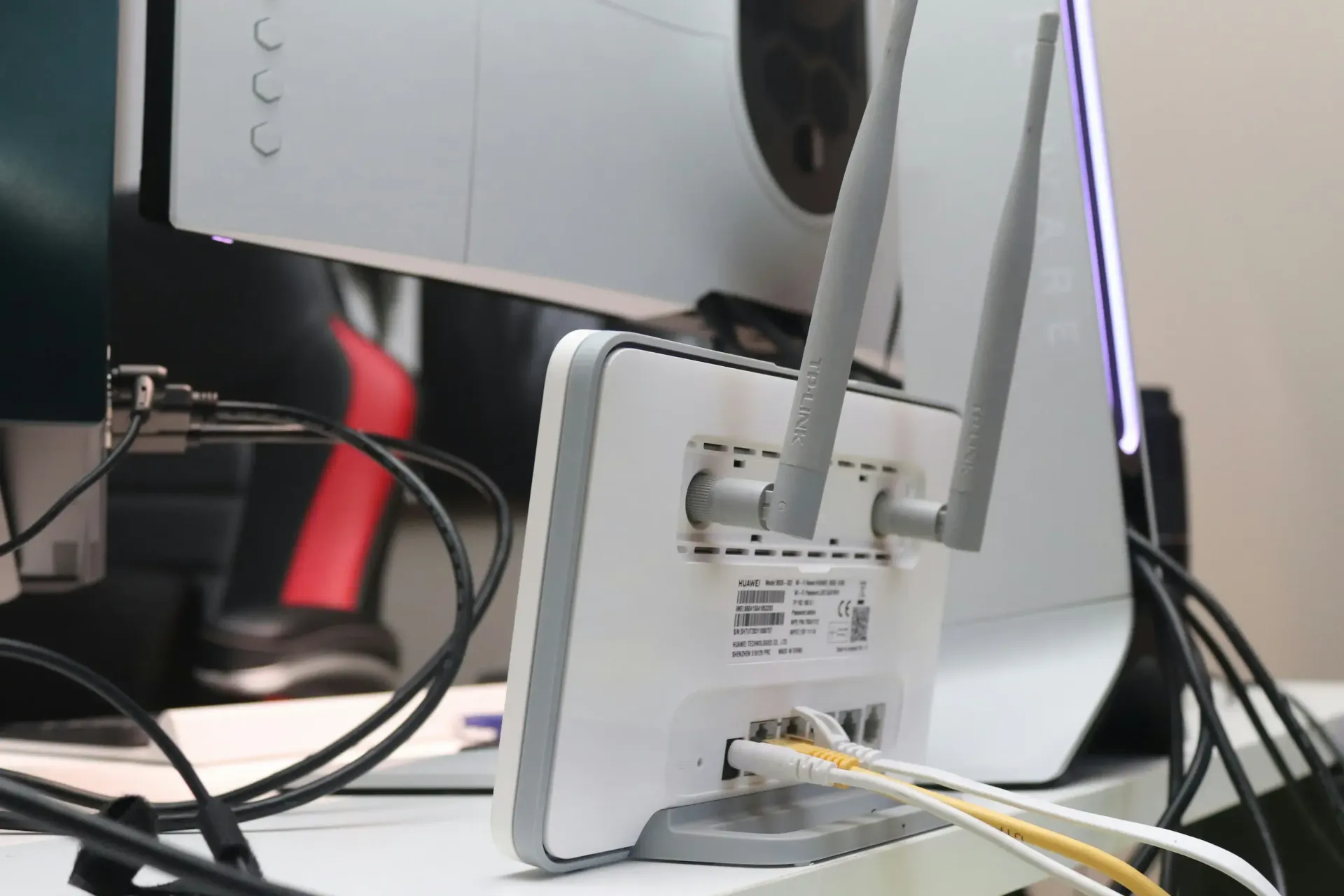
We design whole-home Wi-Fi systems that account for square footage, wall materials, and the number of connected devices in your home. Instead of relying on a single router, we place wireless access points strategically to address dead zones and reduce signal drop-off between rooms and floors.


This approach works well for larger homes, multi-story layouts, and properties with outdoor living spaces that need reliable coverage. We configure mesh Wi-Fi systems to balance load across access points, so bandwidth-heavy activities like video calls, 4K streaming, and online gaming don't compete for the same signal.


Our team also tests coverage room by room after installation. This confirms that security cameras, smart thermostats, and other connected devices maintain a stable connection throughout the home.
Wired Ethernet and Structured Cabling

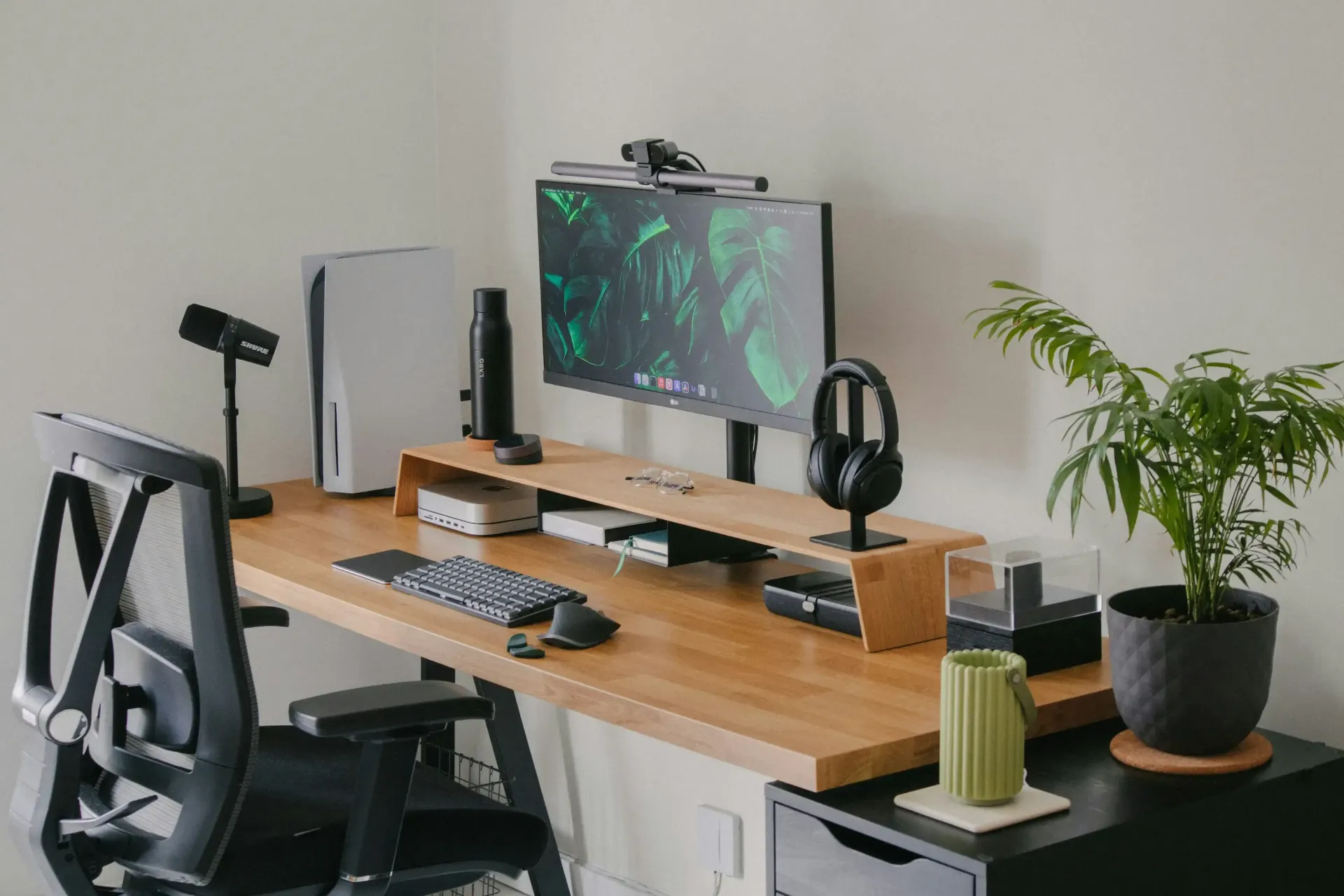
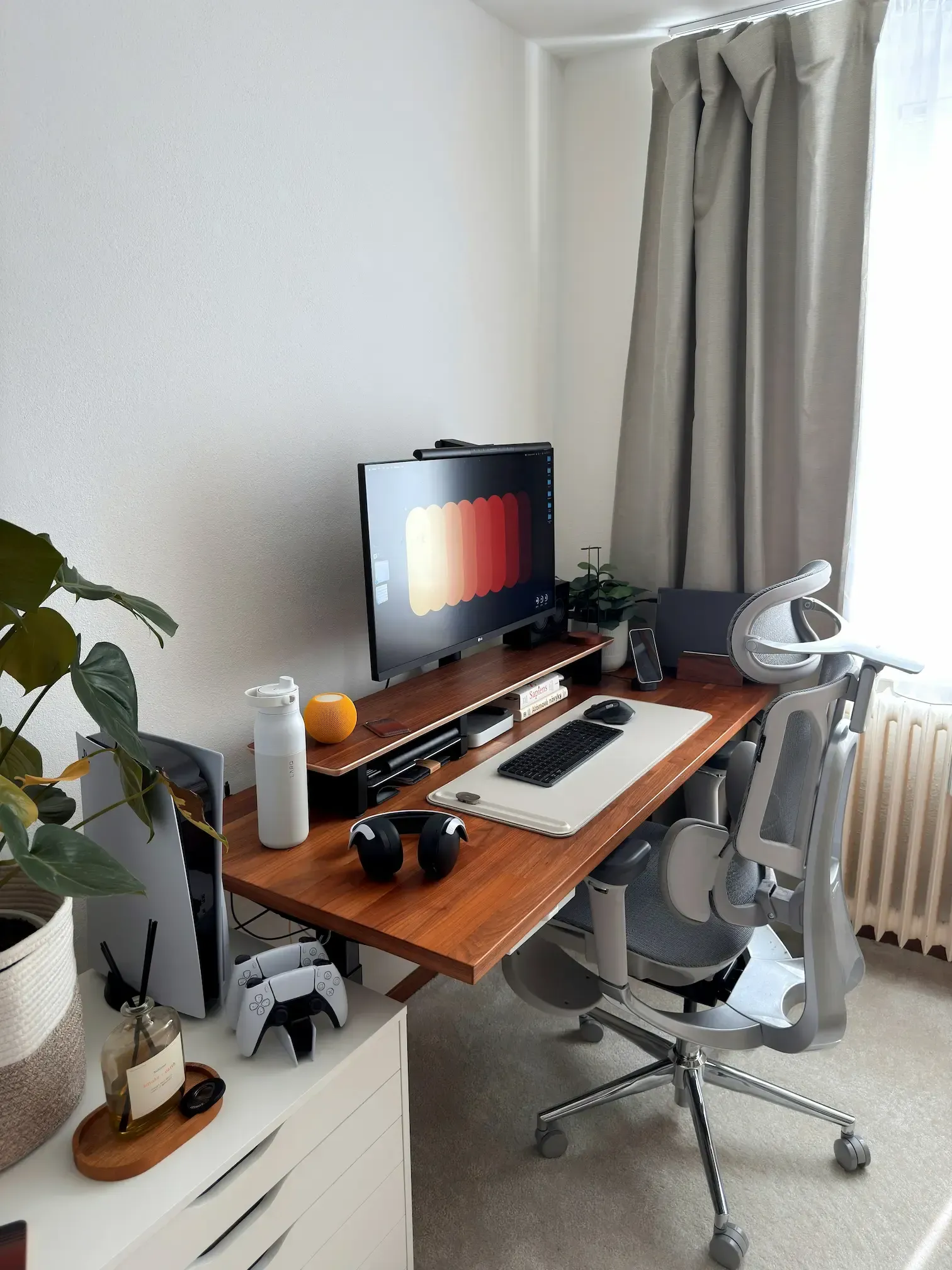
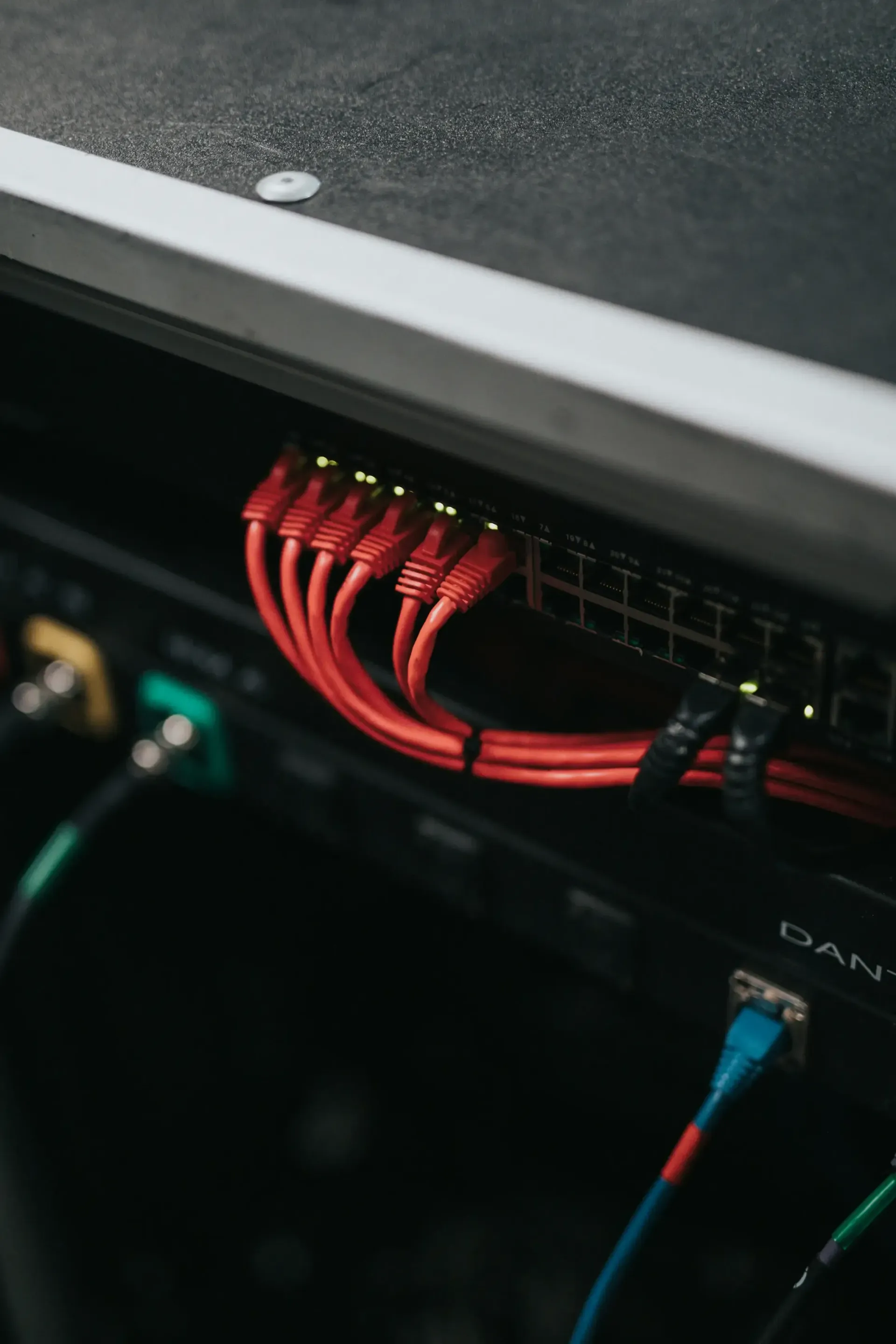
Wireless connections are convenient, but wired Ethernet still delivers the most consistent performance for devices that require low latency or high bandwidth. We install structured cabling to connect stationary devices such as desktop computers, smart TVs, gaming consoles, and network video recorders directly to the network.


Structured cabling also supports future upgrades. Properly installed Cat6 or other application-appropriate cabling can support high-speed wired connections, depending on run length, network equipment and connected devices.


We route cable runs through walls, attics, or crawl spaces to keep wiring out of sight. This keeps the finished installation clean while giving each hardwired device a dedicated, interference-free connection.

Network Equipment, Racks and Organized Installation

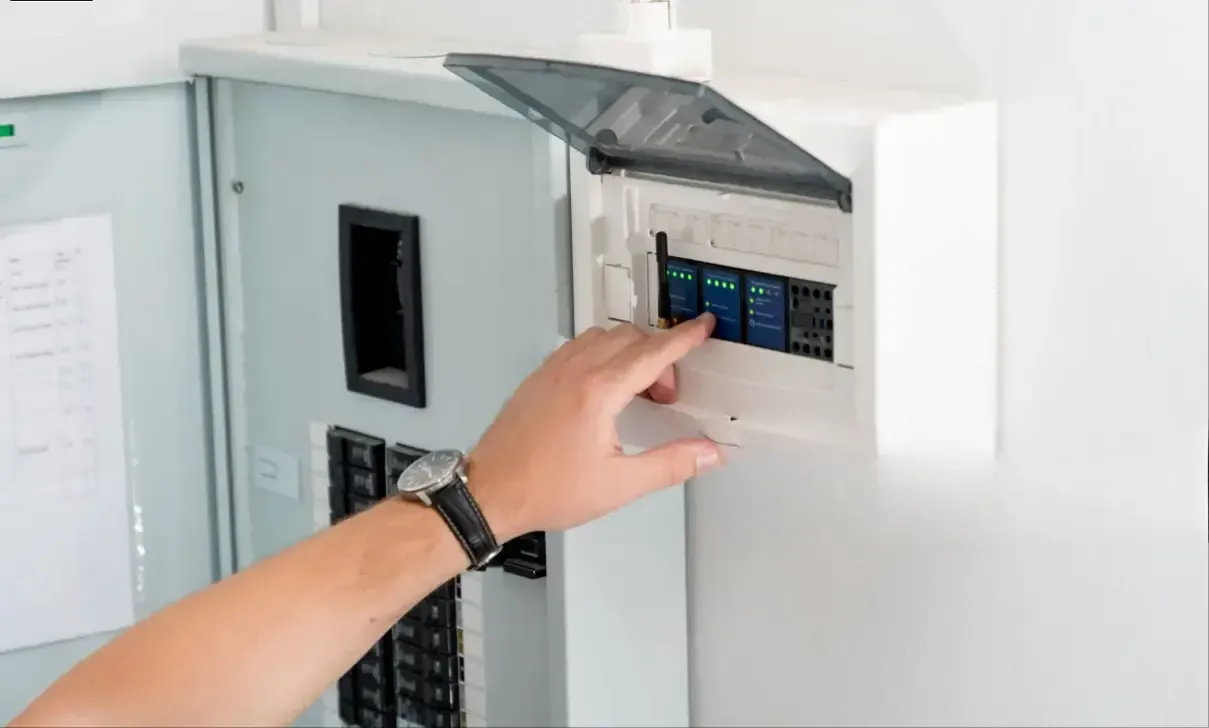
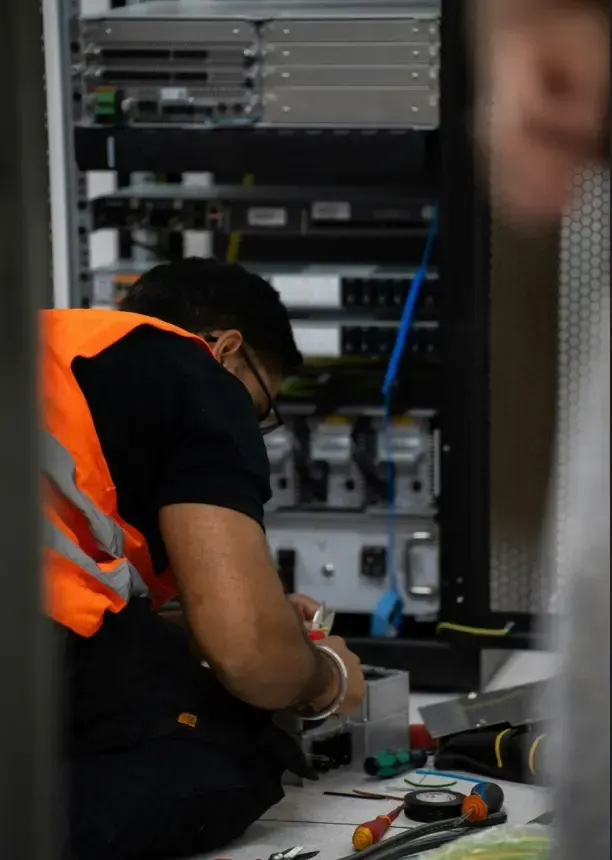
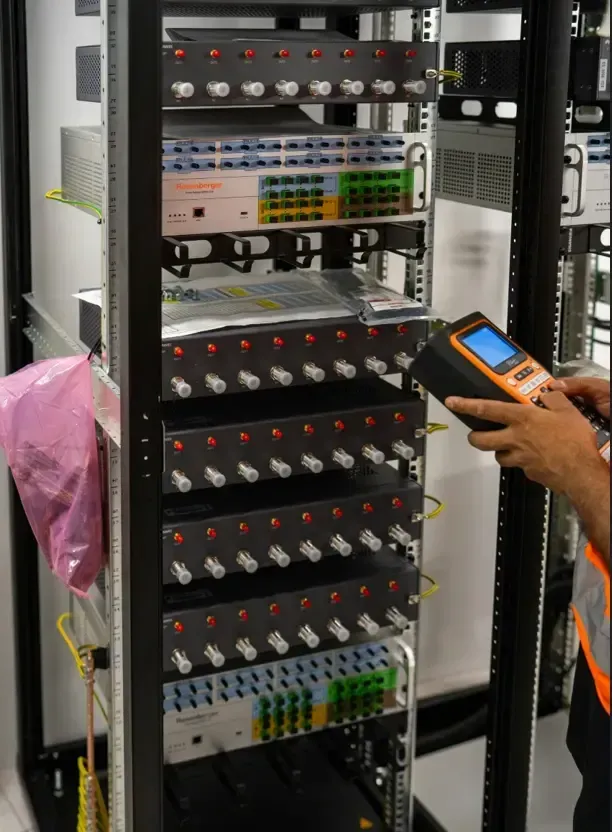
We mount routers, switches, and modems in a dedicated rack or enclosure rather than leaving equipment scattered across the home. This keeps cabling organized, reduces overheating risk, and makes future maintenance or troubleshooting easier.


A structured equipment setup also simplifies expansion. Adding new access points, cameras, or smart-home hubs later on doesn't require reworking the entire system.


We label cables and document the network layout during installation. This gives homeowners a clear reference point if adjustments or service calls are needed down the road.
Planning a Reliable Smart Home Network

A dependable smart home network starts with an honest assessment of how many devices you run, how much bandwidth your household uses, and how your home's layout affects signal strength. We evaluate these factors alongside your equipment choices, security needs, and future plans before we install anything.

Coverage, Capacity and Bandwidth Needs

We start by mapping how signal moves through your home. Walls, floors, and building materials all affect Wi-Fi reach, and we account for these during planning.


Capacity matters as much as coverage. A household running security cameras, streaming devices, gaming consoles, and a home office simultaneously needs a network built for concurrent use, not just peak speed.


We look at:


  • Square footage and floor plan
  • Number of connected devices
  • Bandwidth-heavy activities (4K streaming, video calls, gaming)
  • Dead zones or rooms with weak signal
  • Outdoor coverage needs for cameras or entertaining spaces
  • 

This assessment tells us whether your current internet plan and equipment can support your household or whether upgrades are necessary.

Router, Mesh Wi-Fi or Access-Point System?

The right setup depends on your home's size and construction, not a fixed formula.

Single routers work for smaller homes with simple layouts and moderate device counts. Mesh Wi-Fi systems suit larger or multi-story homes needing consistent coverage across several access points. Dedicated wireless access-point systems, often paired with wired backhaul, deliver the most stable performance for homes with heavy device loads or demanding applications like gaming and 4K security feeds.


We assess your home's specific conditions before recommending one approach over another. A home with thick walls or multiple floors typically needs a different solution than an open, single-story layout. We size the system to match how you actually use your connection, not to a generic package.

Network Security, Guest Access and Smart-Device Segmentation

Every smart-home network carries some risk, and we treat security as a core part of installation, not an afterthought.


We configure separate network segments so guest devices, smart-home gadgets, and personal devices don't share the same access level. This limits exposure if one device is compromised.


Key elements we address:


  • Guest network isolation
  • Separate VLANs for smart-home devices, cameras, and personal computers
  • Strong router-level security settings
  • Firmware updates and password management guidance
  • 

This segmentation keeps your home office data and personal devices separate from smart bulbs, thermostats, and cameras, reducing the chance that a vulnerability in one device affects your entire network.

Compatibility and Future Expansion

We plan networks that accommodate the devices you own now and the ones you're likely to add later. Smart-home ecosystems evolve, and a network built too narrowly often requires costly rework.


We check device compatibility with your existing router or mesh system before installation, since not all smart-home protocols work seamlessly with every setup. We also account for wired Ethernet and structured cabling where hardwired connections benefit performance, particularly for stationary devices like desktops, streaming boxes, or security-camera hubs.


This forward-looking approach means your network can support additional cameras, speakers, or automation hubs without a full system overhaul later.

Our Home Network Design and Installation Process

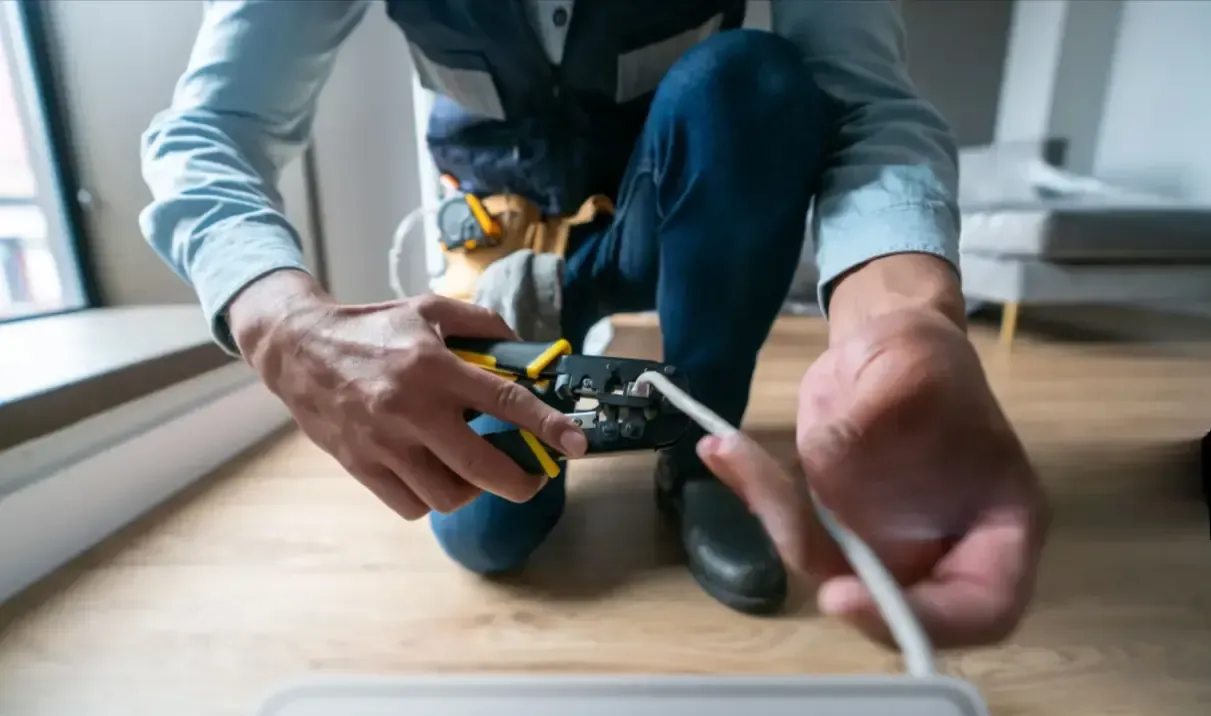
Every project starts with an honest look at your home and how you use it, then moves through configuration, testing and a clear handoff so you know exactly what was installed and why.
Home Network Installation Cost and Pricing in Frisco, TX

Pricing for a home network installation in Frisco depends on your home's size, the complexity of the job, and the equipment your household needs. Below, we break down the main cost factors, typical price ranges, and expenses homeowners often forget to plan for.

What Affects Home Network Installation Cost?

Several factors shape what you'll pay for a residential network installation. Home size and layout matter most, since larger floor plans and multi-story homes typically require more wireless access points to eliminate dead zones.

Construction materials also play a role. Homes with brick, stucco, or concrete walls often need additional hardware to maintain signal strength throughout the house.

Other cost drivers include:

  • Existing wiring — homes without pre-installed Ethernet cabling require new structured cabling runs
  • Number of connected devices — smart-home systems, security cameras, and multiple work-from-home setups increase equipment needs
  • Equipment tier — consumer-grade routers cost less than business-grade UniFi or mesh systems
  • Network complexity — integrating cameras, smart-home devices, and dedicated gaming or office zones adds labor time

We assess these variables during a consultation so you receive pricing based on your actual home, not a generic estimate..

How Much Does a Home Network Installation Cost?

Costs in Frisco generally fall into a few tiers based on scope. Basic Wi-Fi upgrades and single mesh-router setups tend to sit on the lower end of the range, while whole-home coverage with multiple access points costs more.


Project Type Typical Cost Range

Basic mesh Wi-Fi setup                                              $2,000 – $4,000

Whole-home Wi-Fi (multiple access points)        $4,000 – $8,000

Structured cabling and Ethernet wiring                  Varies by home size & wall access

Enterprise-grade system (50–100+ devices)        $8,000 – $15,000+


New-construction homes and full smart-home integrations sit toward the higher end, since we plan cabling and access-point placement before walls are finished. Retrofits in existing homes can cost more per room if walls need to be opened for cabling.

Budget Planning and Frequently Overlooked Costs

Homeowners often underestimate a few line items when budgeting. Network switches, patch panels, and a dedicated equipment rack add cost beyond the router and access points themselves.


Labor for running Ethernet through finished walls, attics, or crawl spaces can also add time to a project, particularly in older homes. We recommend planning for:


  • Equipment housing (racks, cabinets, or closets)
  • Surge protection for networking gear
  • Future-proofing for additional devices or rooms
  • Ongoing optimization if internet plans or device counts change
  • 

We walk you through each of these during your consultation so your quote reflects the full scope of the project, not just the visible components.

Why Choose Frisco Smart Home Haven for Network Installation

We bring more than 20 years of experience in custom-home technology to every project, including smart-home automation and audio/video systems. This background shapes how we approach home network installation for Frisco homeowners.

20 Years of Experience

Our installations can include whole-home Wi-Fi, wireless access points, mesh Wi-Fi setup, wired Ethernet, and structured cabling, depending on what your household needs.

Designed for Everything Your Household Connects

We also think about how your network supports daily life, not just technical benchmarks. That means accounting for streaming, online gaming, home-office use, security cameras, and smart-home devices running at the same time.

Networking Solutions Matched to Your Home

We don't install generic equipment packages. Instead, we design your network around specifics that matter:

  • Your home's layout and square footage
  • Existing wiring and construction details
  • Current and future connected devices
  • Your internet service plan
  • Known coverage problems or dead zones
  • Upcoming smart-home technology plans

Custom Network Design—Not Generic Packages

We test before we finish the job. Every installation includes performance testing and equipment configuration, so you know your network works as intended before we leave.

Practical Design That’s Easy to Use

Our approach centers on practical design and intuitive controls. We aim for systems that are simple to use day to day, not just impressive during a demonstration.

Configured and Tested Before Completion

What this means for you:

Approach Result
Custom network design Coverage matches your home's actual layout
Clean, organized installation Easier troubleshooting and future upgrades
Homeowner guidance included You understand your own system
Sized to your household No paying for unnecessary equipment

We focus on practical, everyday performance rather than one-size-fits-all solutions.

Schedule a Network Consultation


Reach out to our team directly. We will walk through your goals, assess your space, and outline options that match both your design preferences and your budget before any installation work begins.

(469) 646-6963

FAQs

Homeowners in Frisco often have practical questions about cost, equipment choices, and how a new network will handle everyday demands like streaming, gaming, and smart-home devices. Below, we address the questions we hear most often during consultations.

  • How much does professional home network installation cost in Frisco, TX?

    Pricing depends on the size of your home, the number of access points needed, and whether wired Ethernet runs are included. A basic Wi-Fi setup typically falls on the lower end of the pricing range, while a full network with structured cabling, multiple access points, and smart-home integration costs more.


    We provide a firm quote after evaluating your home's layout and current equipment. This lets you understand the total investment before any work begins.

  • Will whole-home Wi-Fi eliminate dead zones in my house?

    A properly designed whole-home Wi-Fi system addresses most coverage gaps caused by wall construction, distance from the router, or interference from other devices. We map your home's layout and identify where signal loss typically occurs before placing equipment.


    Results vary based on building materials and floor plan. Homes with thick walls, multiple stories, or detached spaces like garages may need additional access points to reach full coverage.

  • Should I choose mesh Wi-Fi or wired wireless access points for my home?

    Mesh Wi-Fi systems work well in homes where running cables isn't practical, offering flexible coverage through multiple connected units. Wired access points, connected via Ethernet, generally provide more consistent speeds and reliability since they don't depend on wireless signals to communicate with each other.


    We assess your home's existing wiring and construction to recommend the option that fits your situation. In many cases, a combination of both delivers the best balance of performance and installation practicality.

  • Can you install Ethernet connections for home offices, gaming systems, and TVs?

    Yes, we run structured cabling to home offices, gaming setups, entertainment centers, and other locations where a wired connection improves speed and stability. Wired connections reduce latency and avoid the interference issues that wireless signals sometimes face.


    We plan cable routes to keep your home looking clean, using in-wall or attic runs where possible. Each connection is tested for speed and reliability before installation is complete.

  • How can Wi-Fi optimization improve streaming, video calls, and online gaming?

    Optimization involves adjusting channel settings, reducing interference from neighboring networks, and positioning equipment to reduce buffering and lag. We also review your internet plan's bandwidth against your household's typical usage, including simultaneous streaming, video calls, and gaming sessions.


    After adjustments, we test performance in the specific areas of your home where these activities happen most. This confirms the network handles real-world use rather than just passing a basic speed test.

  • Can you connect security cameras and smart-home devices to my home network?

    Yes, we configure your network to support security cameras, video doorbells, and other connected smart-home devices without slowing down other activity on the network. This often involves separating device traffic or allocating sufficient bandwidth so cameras stream reliably alongside other household use.


    We also check compatibility between your existing smart-home devices and the new network setup. This step helps avoid connectivity issues after installation is finished.

Contact Us

Contact Us